New: Deploy GPU-accelerated models in one click
New: Deploy GPU-accelerated models in one click
New: Deploy GPU-accelerated models in one click
New: Deploy GPU-accelerated models in one click
New: Deploy GPU-accelerated models in one click

Menu


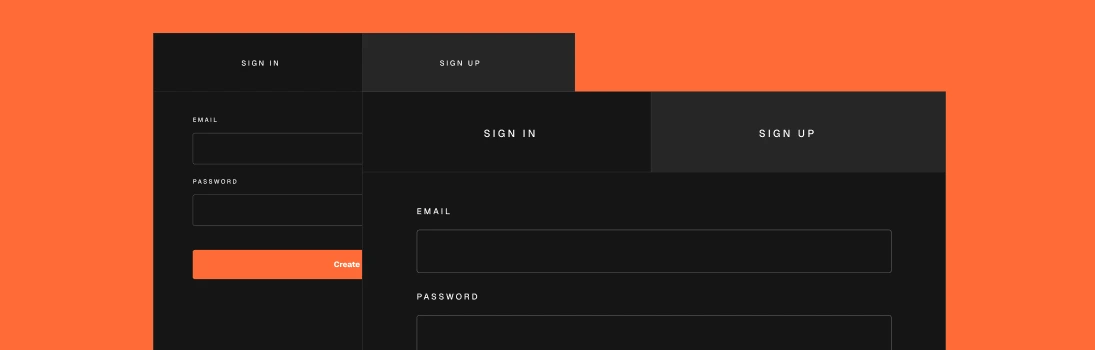
Begin by exploring our platform's core functionalities. Dive into the Task Orchestration module to automate workflows, then experiment with the Data Integration tools to connect diverse data sources. Finally, leverage the AI Insights dashboard for predictive analytics. Each section provides step-by-step guides and real-world examples to accelerate your learning and implementation of TaskForge.
Creating a strong password is your primary line of defense against unauthorized access. Strive for a combination of at least 12 characters, incorporating a mix of uppercase and lowercase letters, numbers, and special symbols. It's crucial to steer clear of using personal information or easily guessable words. To enhance your security within the TaskForge ecosystem, make it a habit to update your password regularly and avoid reusing it across different platforms. This practice will help ensure that your accounts remain secure and protected from potential threats.
Choose a unique username to identify yourself within the TaskForge community. Your username should be memorable, professional, and easy to share. It will be visible to other users when you collaborate on tasks or share insights, so choose wisely to represent your brand or personal identity effectively.
1. Click on the username field in your profile settings.
2. Enter your desired username.
3. Check for availability.
4. Confirm your username.
5. Save changes.
Choose a unique username to identify yourself within the TaskForge community. Your username should be memorable, professional, and easy to share. It will be visible to other users when you collaborate on tasks or share insights, so choose wisely to represent your brand or personal identity effectively.
TaskForge